
Screenshots

App details
- Version
- 1.5.9.2
- Size
- 275.89 KB
- Updated
- March 12, 2019
- Requires
- Windows XP
- Language
- English
- License
- Free
- Developer
- Visit Website
- Category
- Windows OS
SoftPas in:
This product is also available in the following languages:
About Timeline Remove
Download Timeline Remove – Free Chrome Extension to Disable Facebook Timeline
Overview
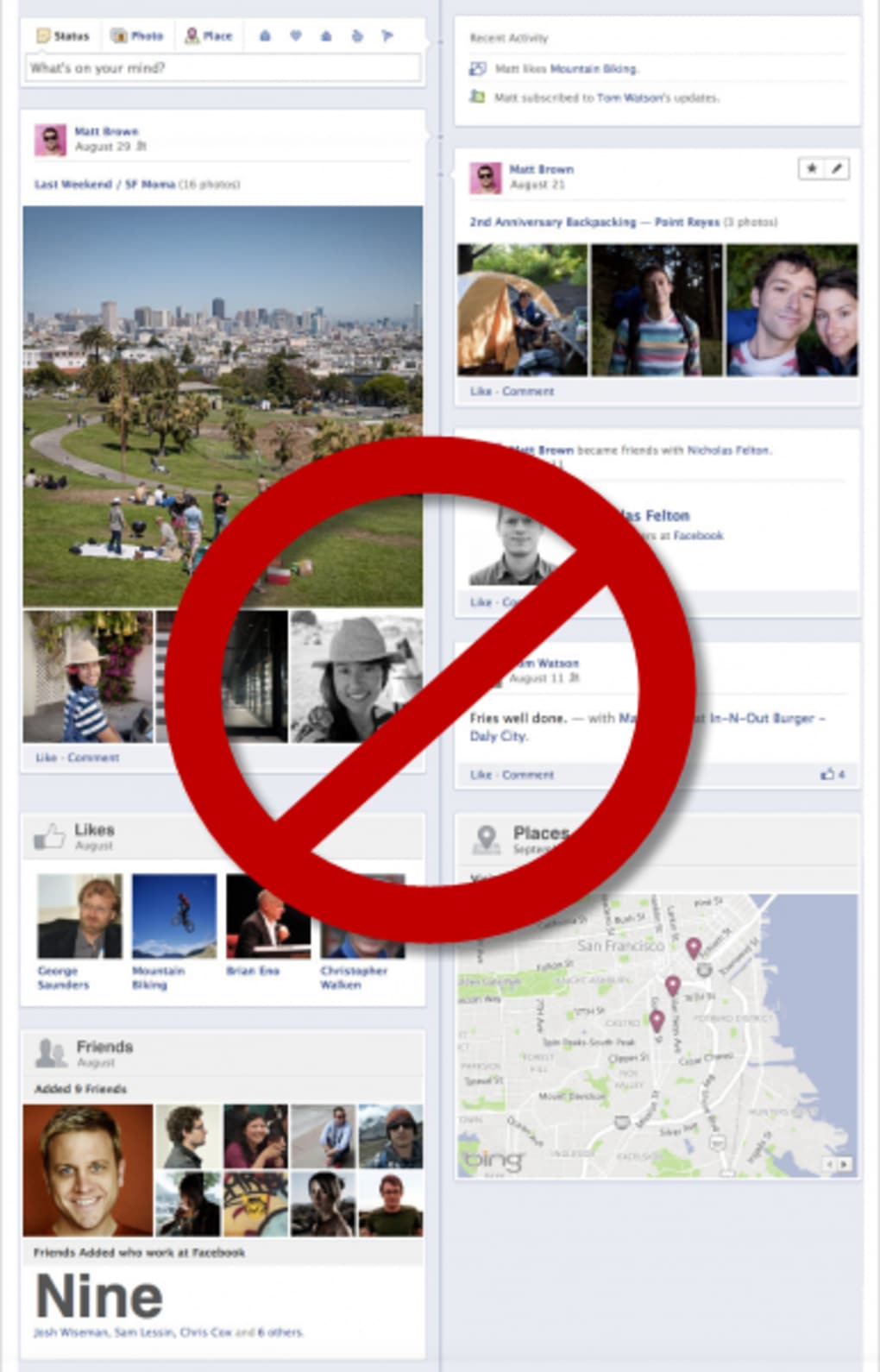
Timeline Remove is a lightweight, free Chrome extension designed to turn off Facebook’s Timeline view and bring back the classic profile layout that many long‑time users prefer. Since Facebook introduced Timeline, the platform shifted from a simple chronological list of posts to a year‑based visual grid, complete with large cover photos and a redesigned navigation bar. While the new design offers a modern aesthetic, it also adds visual clutter and can slow down the browsing experience on slower connections. Timeline Remove instantly strips away these elements, restoring the clean, text‑focused interface that made Facebook easy to navigate in its early days. The extension works entirely on the client side—meaning it modifies only what you see in your browser without affecting how your friends or family view your profile. After installation, an icon appears next to Chrome’s address bar, allowing you to toggle the classic view on or off with a single click. Because the change is purely cosmetic, no personal data is collected, and the extension complies with Chrome Web Store policies for privacy and security. Whether you’re a nostalgic user who misses the old layout or simply want a faster, less distracting Facebook experience, Timeline Remove offers a quick, reversible solution without the need for complex scripts or third‑party software.
Key Features of Timeline Remove
- Instant Classic View Restoration: One‑click toggle reverts Facebook to its pre‑Timeline design.
- Lightweight & Fast: The extension adds less than 50 KB to Chrome’s memory footprint, ensuring no noticeable slowdown.
- Secure & Private: No personal data is harvested; the tool only modifies HTML/CSS on the client side.
- Automatic Updates: Receives regular patches through the Chrome Web Store, keeping it compatible with Facebook’s frequent UI changes.
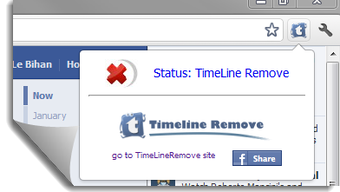
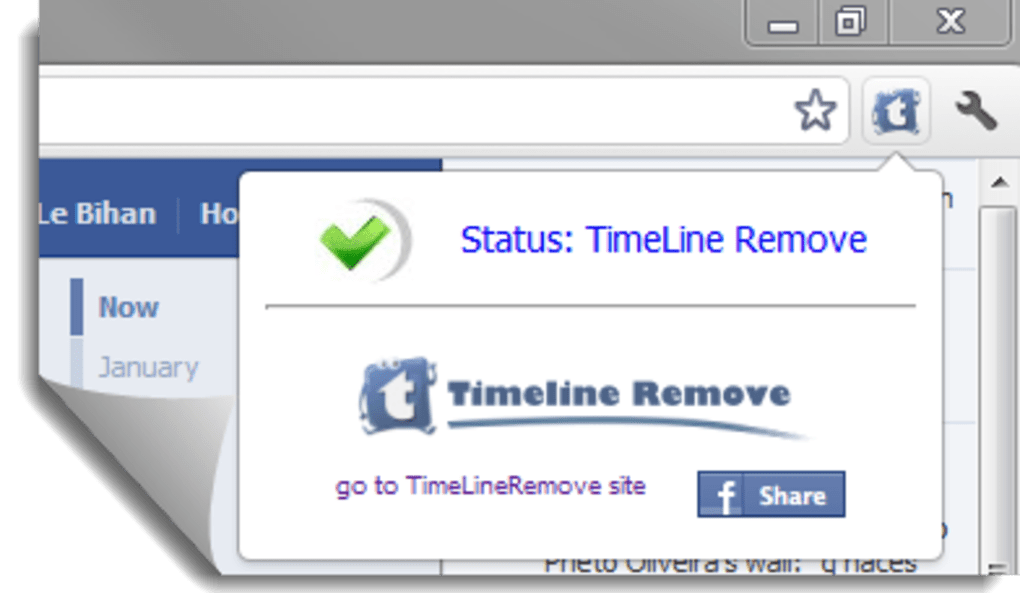
- Simple UI Integration: An intuitive icon appears on the toolbar, showing active/inactive status at a glance.
- Cross‑Platform Compatibility: Works on any device that runs Google Chrome, including Windows, macOS, Linux, Android, and iOS (via Chrome mobile).
- Free Forever: No hidden fees or subscription model; the extension is completely free to download and use.
- Toggle Per‑Session: You can enable or disable the classic view for individual browsing sessions without reinstalling.
Installation, Usage Instructions, and Compatibility
Getting Timeline Remove up and running is as simple as a few clicks. Follow these steps for a smooth installation:
- Open Chrome Web Store: Navigate to chrome.google.com/webstore and search for “Timeline Remove”.
- Click “Add to Chrome”: A pop‑up will ask for permission to read and change data on facebook.com. Click “Add extension”.
- Extension Icon Appears: Once installed, a small puzzle‑piece icon (or a custom Timeline Remove icon) will appear to the right of the address bar.
- Activate Classic View: Visit facebook.com, then click the Timeline Remove icon. The page will instantly reload, displaying the classic layout. A small tooltip confirms activation.
- Toggle Off Anytime: Clicking the icon again disables the extension, restoring Facebook’s default Timeline view.
Because Timeline Remove is built as a Chrome extension, it inherits Chrome’s cross‑platform support. The compatible operating systems include:
- Windows 10/11
- macOS Catalina and later
- Linux distributions with Chrome/Chromium
- Android 7.0+ (Chrome mobile)
- iOS 13+ (Chrome mobile)
For mobile Chrome users, the extension behaves similarly, but the toolbar icon may be located within the Chrome menu due to limited UI space. The same toggle mechanism applies, ensuring a consistent experience across desktop and mobile devices.
If you encounter any issues—such as Facebook not loading correctly after activation—simply disable the extension, refresh the page, and re‑enable it. In rare cases where Facebook’s code changes dramatically, the developer releases a quick update; you’ll be notified automatically via the Chrome Web Store.
Pros and Cons of Using Timeline Remove
Pros
- Restores a clean, familiar Facebook interface instantly.
- Minimal impact on browser performance and memory usage.
- Free, with no hidden subscriptions or ads.
- Easy to install and toggle on/off without technical knowledge.
- Regular automatic updates keep it functional despite Facebook’s UI changes.
- Works across all major operating systems that support Chrome.
- No data collection; respects user privacy.
Cons
- Only affects the view for the user who installed the extension; friends still see Timeline.
- If Facebook implements a major redesign, the extension may temporarily stop working until an update is released.
- Limited to Chrome; users of other browsers (Firefox, Edge, Safari) need alternative solutions.
- Does not modify Facebook’s underlying functionality—only the visual layout.
Frequently Asked Questions
Is Timeline Remove safe to use?
Yes. The extension only modifies the HTML and CSS that Chrome renders for Facebook. It does not collect personal data, inject ads, or alter your account settings.
Will my friends see the classic view?
No. Timeline Remove changes only the way your browser displays Facebook. Your friends and family will continue to see the standard Timeline layout unless they also install the extension.
Can I use Timeline Remove on mobile devices?
Absolutely. The extension works in Chrome for Android and iOS. The toggle icon may be located inside the Chrome menu, but the functionality remains the same.
What should I do if Facebook updates break the extension?
Check the Chrome Web Store for an update. The developer typically releases a fix within 24‑48 hours after a major Facebook UI change. In the meantime, you can temporarily disable the extension.
Is there any cost or hidden fee?
Timeline Remove is completely free. There are no premium tiers, in‑app purchases, or subscription fees.
Conclusion & Call to Action
For anyone who feels overwhelmed by Facebook’s modern Timeline design, Timeline Remove offers a fast, secure, and completely free way to reclaim the classic look that made scrolling through updates effortless. The extension’s lightweight footprint, easy toggle, and broad compatibility across Windows, macOS, Linux, Android, and iOS make it a versatile tool for both casual users and power users alike. While it only changes your personal view and does not affect how others see your profile, that limitation is a small trade‑off for the privacy‑first, ad‑free experience it delivers. If you’re ready to say goodbye to the bulky cover photos and year‑based grids, simply click the “Add to Chrome” button in the Chrome Web Store, enable the extension, and enjoy a cleaner Facebook feed in seconds.
Download Timeline Remove now and experience Facebook the way it used to feel—simple, fast, and distraction‑free.
Guides & Tutorials
How to install Timeline Remove
- Click the Download button above.
- Once redirected, accept the terms and click Install.
- Wait for the Timeline Remove download to finish on your device.
How to use Timeline Remove
This software is primarily used for its core features described above. Open the app after installation to explore its capabilities.
User Reviews
No reviews yet. Be the first to share your experience.
You may also like
more
Llama 2
Free-to-use large language model As the new addition to Meta’s arsenal of langua...

NotebookLM
Revolutionizing the note-taking and idea-generation process NotebookLM is an exp...

Github co pilot
AI-inspired software development and coding platform GitHub Copilot is a browser...

Google Gemma
Google’s lightweight AI models Introducing Google Gemma , a family of cutting-ed...

AI Image Enlarger
A free app for Windows, by ai-image-larger. AI Image Enlarger is a free software...

DALL E
AI-driven text-to-image transformation engine DALL·E is a free graphic and desig...